
SSO authentication login screen
(1)When accessing SSO-system-integrated applications such as My Handai, and
KOAN, the login screen to the Campus-wide IT Authentication
Platform Service will be displayed.
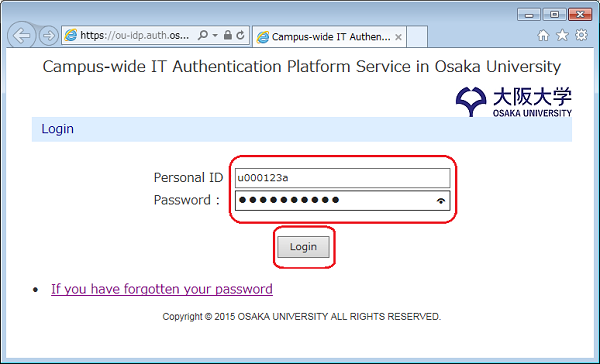
Figure 1
(2)Select your role ID that you want to use for logging in to the SSO-integrated system
and click the "OK" button.
This enables you to log in using a role ID for your organization and job title or
position.
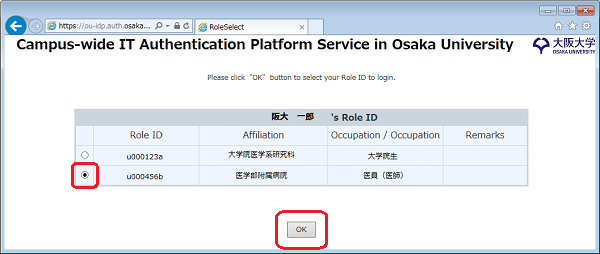
Figure 2