
3.3 Confirming your role IDs
You can view a list of your role IDs.
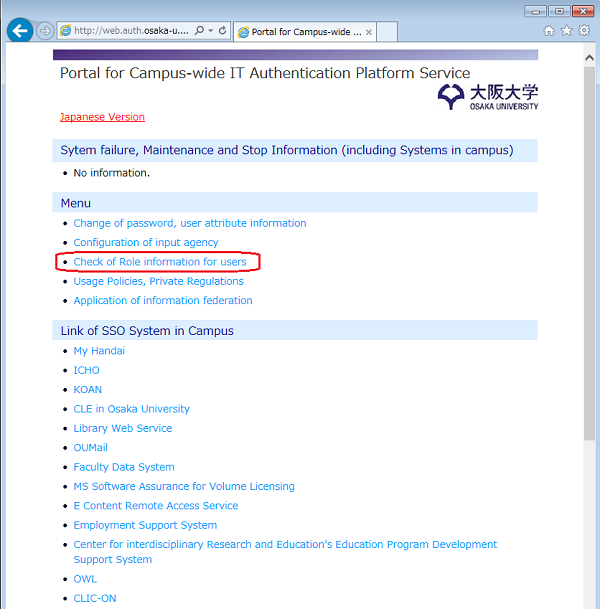
(1) Open WEB browser and access to the URL of portal for Campus-wide IT Authentication Platform Service.
URL:https://web.auth.osaka-u.ac.jp/portal/en/
Click the "Check of Role information for users".
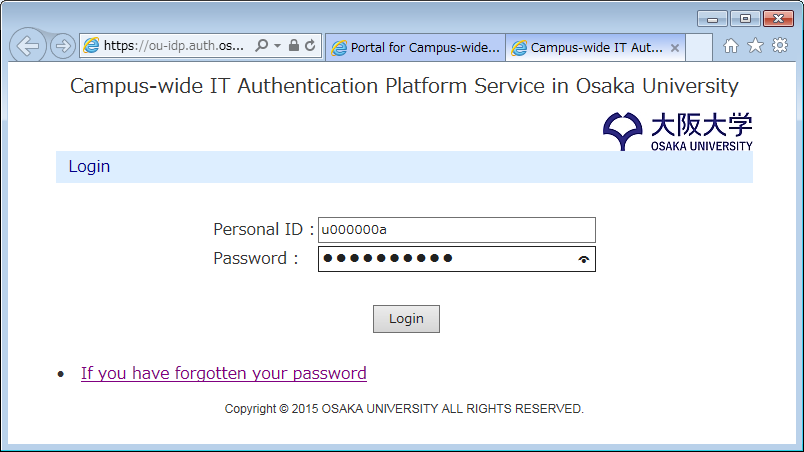
(2) Enter your "Osaka University Personal ID" and "Password".
Click the "Login" button.
(3) "Lists of role IDs" will be displayed.
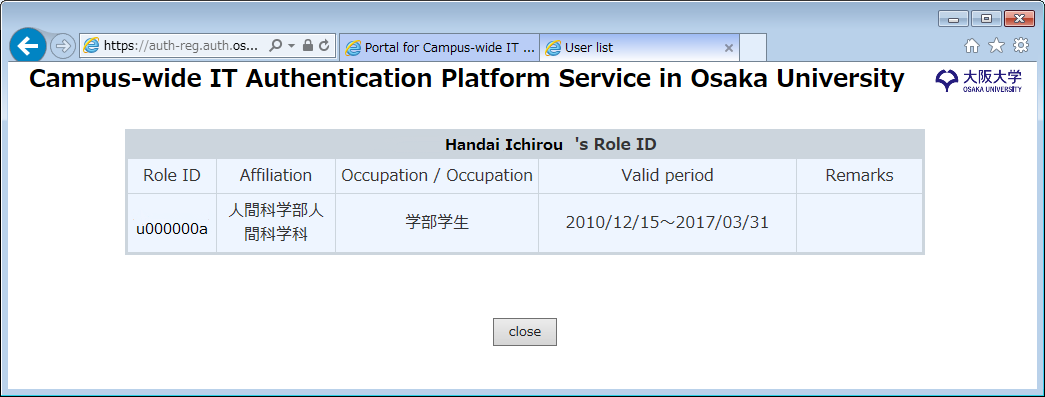
After confirming your role IDs, click the "close" button or close the browser window.
[Related information]